Best AI Chatbot Tools for Small Business Websites
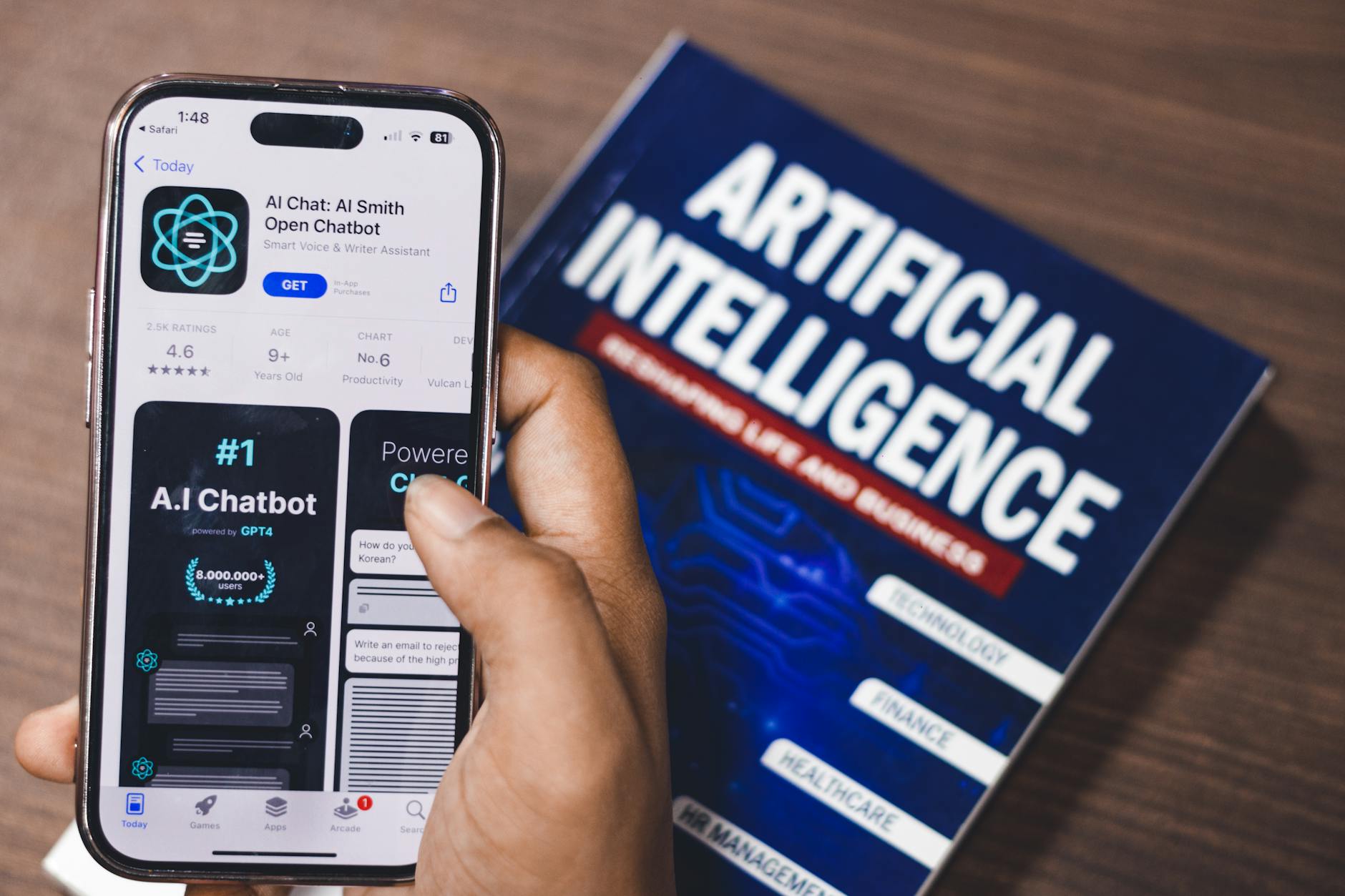
Best AI Chatbot Tools for Small Business Websites in 2025
If you're losing potential customers because nobody's answering their questions after hours, an AI chatbot on your website might be the most practical fix you haven't tried yet.
This guide covers what AI chatbots actually do for small businesses, how to pick the right one, and which specific tools are worth your time and money. We'll walk through how to set one up step by step, compare three solid options with honest pros and cons, and tell you the mistake most small business owners make when they first get started.
What an AI Chatbot Actually Does for a Small Business Website
An AI chatbot sits on your website and talks to visitors automatically — answering questions, collecting contact info, booking appointments, or pointing people to the right page. The good ones feel like a helpful front desk person. The bad ones feel like a broken phone tree.
For a small business with 1-15 employees, the main value is simple: you can't be available 24/7, but your website can be. A plumber who gets a "how much does it cost to fix a leaking pipe?" question at 11pm doesn't need to personally answer it — a chatbot can give a range, collect the customer's name and phone number, and have that lead waiting in the morning.
That's the core use case. Keep it in mind as we go through the steps below.
Step 1: Decide What You Actually Need the Chatbot to Do
Before you look at a single tool, write down the top five questions customers ask you repeatedly. Check your email inbox, your voicemails, your Google Business Profile reviews — they'll tell you exactly what people want to know.
Common small business chatbot jobs include:
- Answering FAQs (hours, pricing, location, return policy)
- Booking appointments or consultations
- Collecting leads (name, email, phone, what they need)
- Directing visitors to the right page or product
- Handling after-hours inquiries so nothing falls through the cracks
Pick your top two. That's what you're building first. Don't try to make the chatbot do everything on day one — it's the fastest way to end up with something that does nothing well.
Step 2: Choose the Right AI Chatbot Tool for Your Business
Not every chatbot tool is built for small businesses. Some are designed for enterprise call centers with six-figure budgets. The ones listed below are realistic options for a small operation. Here's what to look for:
- Easy setup — You shouldn't need a developer. If you can add a photo to your website, you should be able to install a chatbot widget.
- Trains on your content — The best tools let you feed in your FAQs, your website pages, or a document so the bot answers with your actual information.
- Handoff to a human — When someone's frustrated or has a complex question, the bot should be able to pass them to you via email, text, or a live chat window.
- Reasonable pricing — Under $50/month is realistic for a basic setup. Some tools have free tiers worth starting with.
Step 3: Set Up Your Chatbot with Your Own Information
Once you've chosen a tool, the setup process is usually the same across platforms:
- Create an account and start a new chatbot project.
- Add your content — paste in your FAQ page, upload a PDF of your services and prices, or enter your website URL so the tool can crawl it. This is what makes the chatbot answer questions accurately instead of making things up.
- Set a greeting message — something simple like "Hi! I'm here to help. Ask me anything about our services or hours." Keep it friendly, not robotic.
- Define the fallback — what happens when the bot doesn't know the answer. At minimum, it should say "I'm not sure — want me to have someone reach out?" and collect their contact info.
- Install the widget — most tools give you a snippet of code to paste into your website's footer, or a plugin if you're on WordPress or Shopify.
- Test it yourself — spend 10 minutes asking it the questions your customers actually ask. Fix anything that sounds wrong or robotic before you go live.
For example: a small landscaping company might upload their services list (mowing, mulching, cleanups), their pricing ranges, and their service area zip codes. After a 30-minute setup, the chatbot can accurately answer "do you serve my neighborhood?" and "how much does spring cleanup cost?" — without anyone picking up the phone.
Step 4: Connect It to Your Calendar or Inbox
A chatbot that just answers questions is useful. One that also books appointments or emails you leads is genuinely valuable.
Most of the top tools integrate with Google Calendar, Calendly, or simple email notifications. If you're using a tool like Tidio or Chatbase, look in the integrations tab — connecting your calendar usually takes under five minutes and no coding.
If appointment booking matters to your business (salons, consultants, service businesses), make sure the tool you pick supports it before you sign up. Not all of them do at the free tier. If you're in the salon or spa space specifically, there's a good breakdown of booking-focused AI tools in this guide to AI tools for salons and spas that covers scheduling integrations in more depth.
Step 5: Review Conversations Weekly and Improve
This is the step most people skip, and it's where the real value comes from. Almost every chatbot tool logs the conversations visitors have with your bot. Read them once a week for the first month.
You'll quickly see which questions the bot is fumbling. Add better answers for those. You'll also notice questions you hadn't thought of — add those to your content too. After a month of weekly tune-ups, most small business chatbots are significantly more useful than they were on day one.
Tool Comparison: 3 AI Chatbots Worth Looking At
Tidio
Free tier: Yes (up to 50 conversations/month) | Paid: Starting at $29/month
Best for: Small e-commerce shops and service businesses that want a mix of live chat and AI automation.
Pros: Clean interface, easy to set up, solid Shopify and WordPress integrations, includes live chat so you can jump in manually when needed. The AI (called Lyro) handles common questions automatically and hands off smoothly.
Honest limitation: The free tier's 50-conversation cap goes fast if you have decent traffic. You'll likely need to upgrade within a month or two of launching.
Chatbase
Free tier: Yes (limited) | Paid: Starting at $19/month
Best for: Business owners who want to train a chatbot on their specific content — FAQs, PDFs, website pages — without touching any code.
Pros: You can literally upload a document or paste your website URL, and it builds a chatbot from that content. Powered by GPT-4, so the answers are genuinely conversational. Embeds on any website with a simple code snippet.
Honest limitation: It doesn't have built-in appointment booking or CRM integrations at the lower price tiers. It's great at answering questions, less great at taking action. You'd need to connect it with other tools through Zapier to do more.
Intercom (Fin AI)
Free tier: No | Paid: Starting around $39/month for small teams, but Fin AI is an add-on cost on top of that
Best for: Small businesses that are growing fast and expect high chat volume — or those that already use Intercom for customer support.
Pros: Fin AI is one of the most capable chatbots available for small-to-mid businesses. It resolves a genuinely impressive share of customer questions without human help, and the handoff to a human agent is seamless.
Honest limitation: The total cost adds up quickly. If you're a 3-person operation doing $200k a year in revenue, Intercom is probably overkill. It's worth it once you're managing real volume and have someone whose job includes customer support.
The Most Common Mistake: Launching Without Testing
The biggest mistake small business owners make with AI chatbots is installing the widget, turning it on, and walking away. Without feeding the tool accurate information and testing it with real questions, it will make things up — wrong prices, wrong hours, services you don't offer. That's worse than no chatbot at all, because it actively misleads customers.
Spend at least 30 minutes testing before you go live. Ask it every question on your FAQ list. Ask it something it shouldn't know. See what it says. Fix what's wrong. This one step separates a chatbot that helps your business from one that quietly damages it.
It's also worth being transparent with your visitors. A simple "You're chatting with an AI assistant" notice sets the right expectations and builds more trust than pretending it's a human.
The Bottom Line
If you're a small business owner who's tired of missing leads after hours or answering the same five questions on repeat, an AI chatbot is worth trying. Start with Chatbase if you want to train it on your own content quickly and cheaply. Start with Tidio if you want live chat plus automation and you're on Shopify or WordPress. Skip Intercom until your volume justifies the price.
Set it up in an afternoon, test it yourself, and check the conversation logs once a week for the first month. That's genuinely all it takes to make one of these tools work for a small business. It won't replace real customer relationships — but it will make sure fewer of them fall through the cracks at 11pm on a Tuesday.
As AI tools keep evolving and costs shift across the industry, it's smart to keep an eye on how rising AI costs might affect small business tool pricing over the next year — the landscape is moving fast.